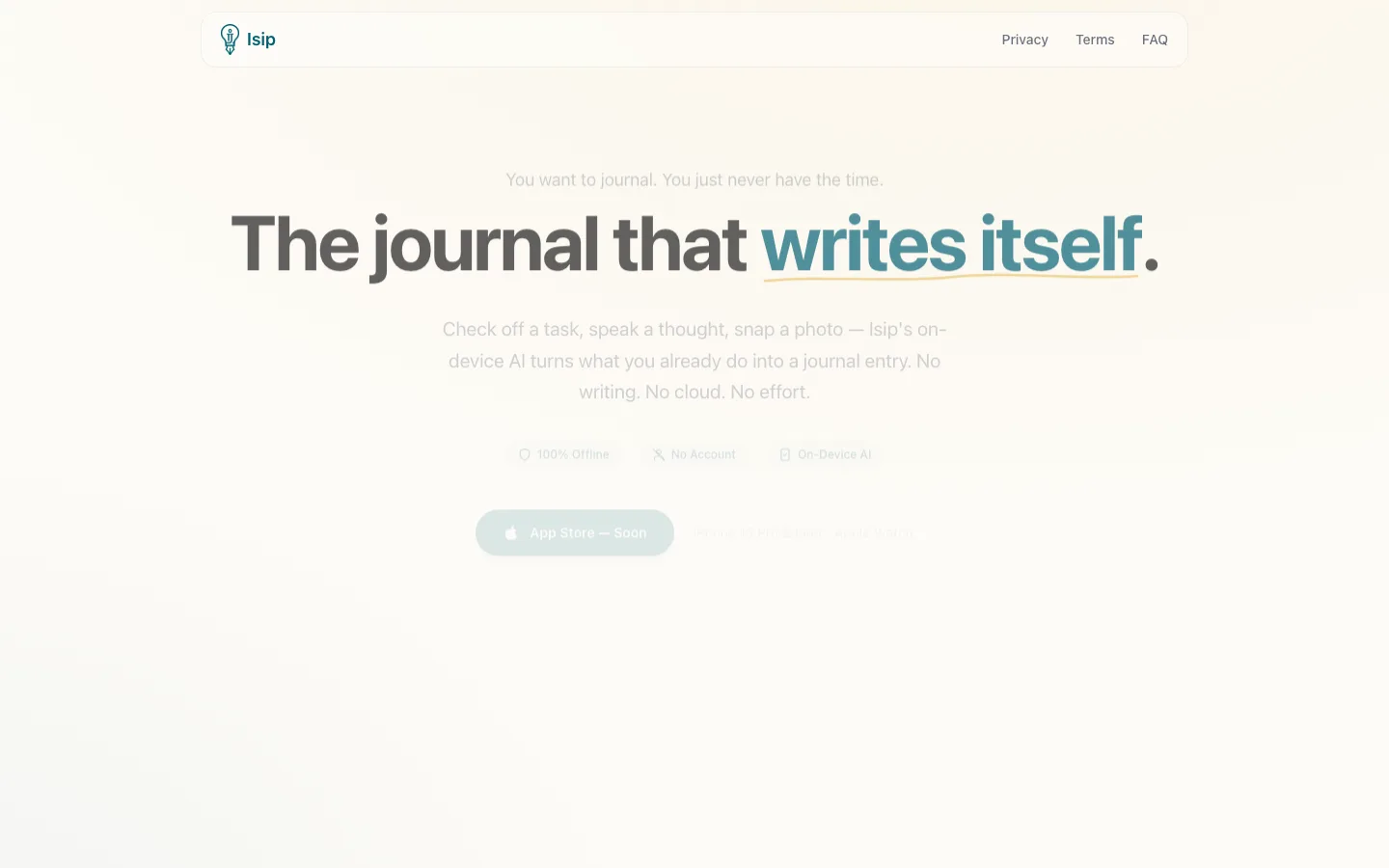
The problem
Everyone wants to journal. Almost nobody does.
The barrier isn't motivation, it's friction. After a full day of work, the last thing anyone wants to do is open a blank page and write about it. Apps like Day One or Notion still expect you to sit down and type, which means journaling demands effort at exactly the moment you have the least of it.
Meanwhile you already track most of your day. You check off tasks, take photos, send voice notes. All of that describes what happened, and then it just disappears.
What I built
Isip (Tagalog for "mind" or "thought") is an iOS app that turns things you already do, like completing a task or speaking a thought, into journal entries on its own. You never open a blank page and you never write a word yourself.
Screenshots
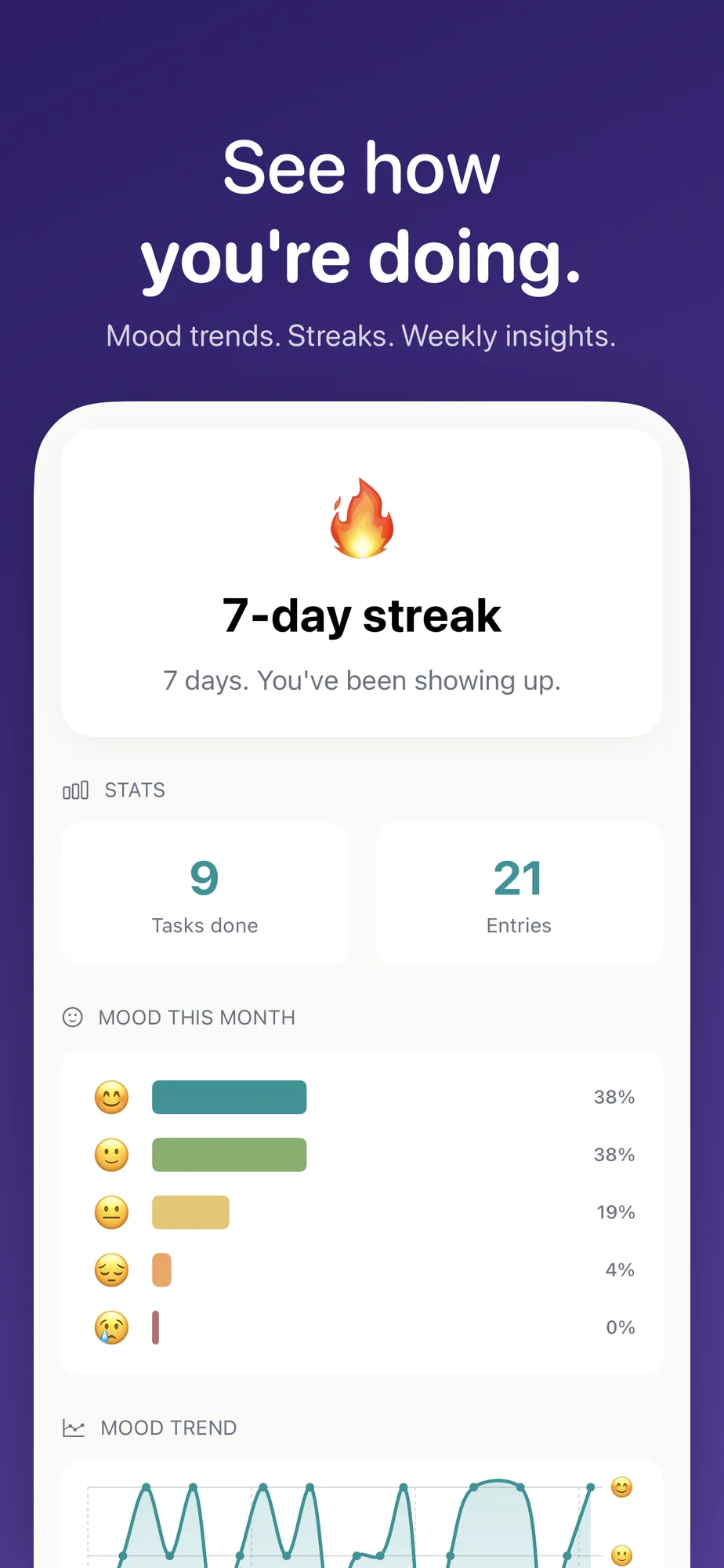
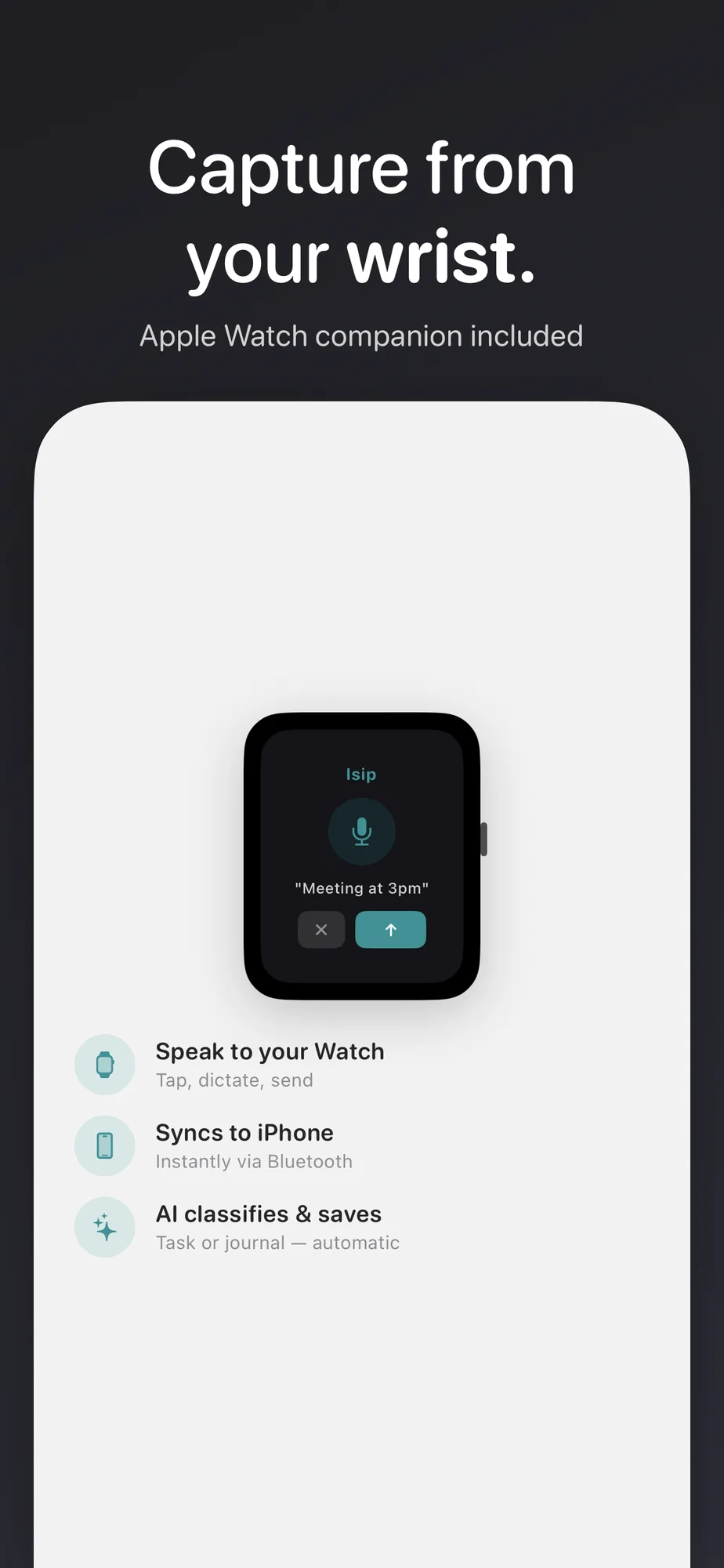
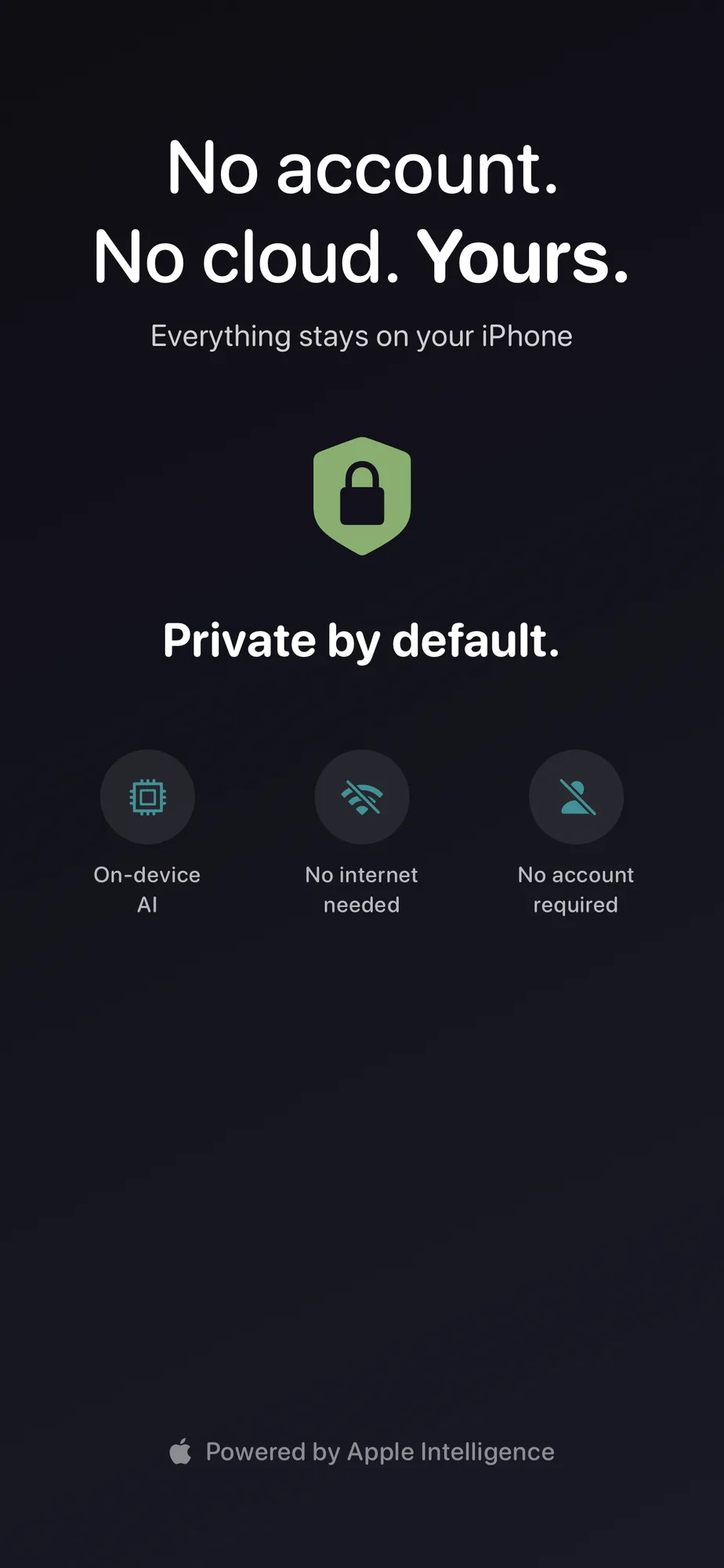
How it works
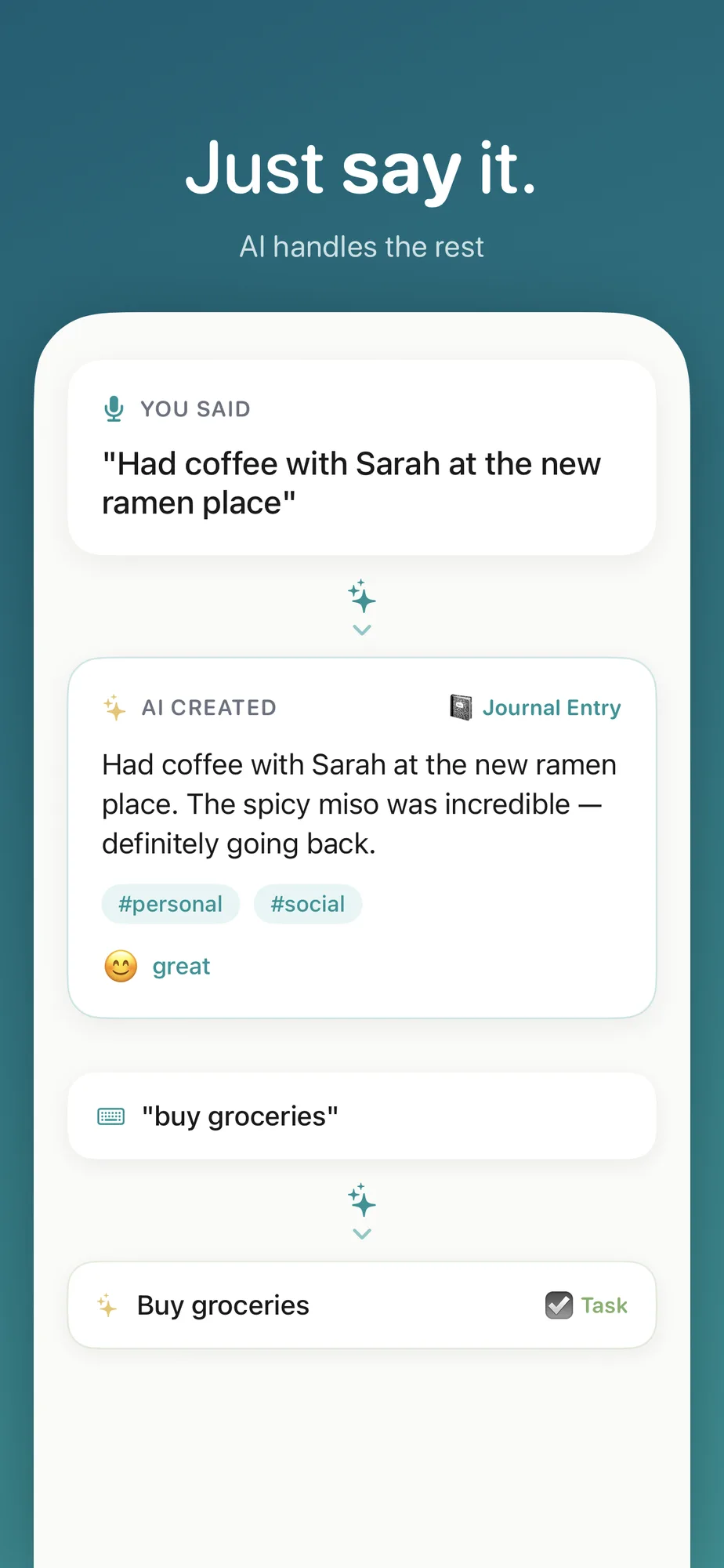
- Type a task, speak a thought, or take a photo. Isip classifies it as a task or a journal entry on its own, and sets a reminder if it spots a time.
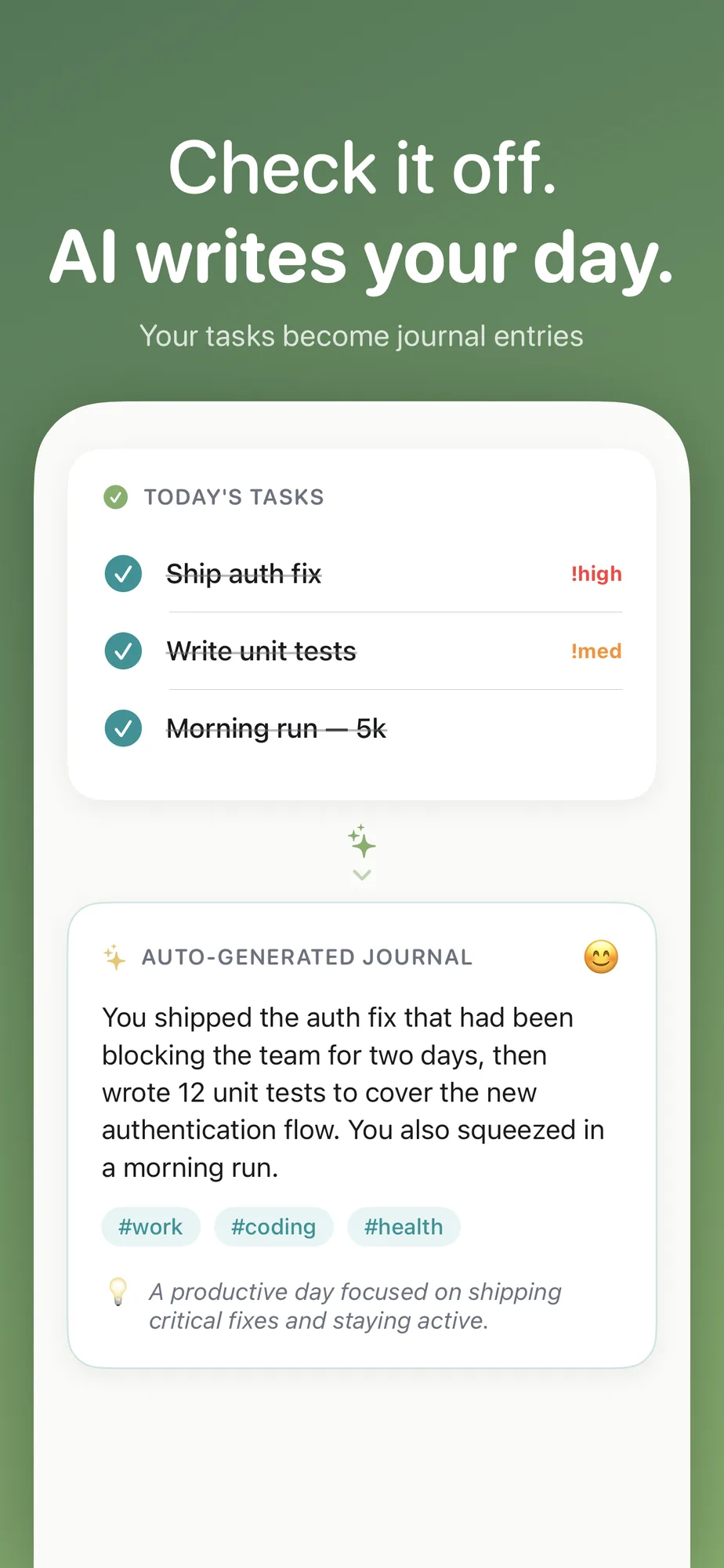
- Check off tasks through the day. Each completed one feeds the journal.
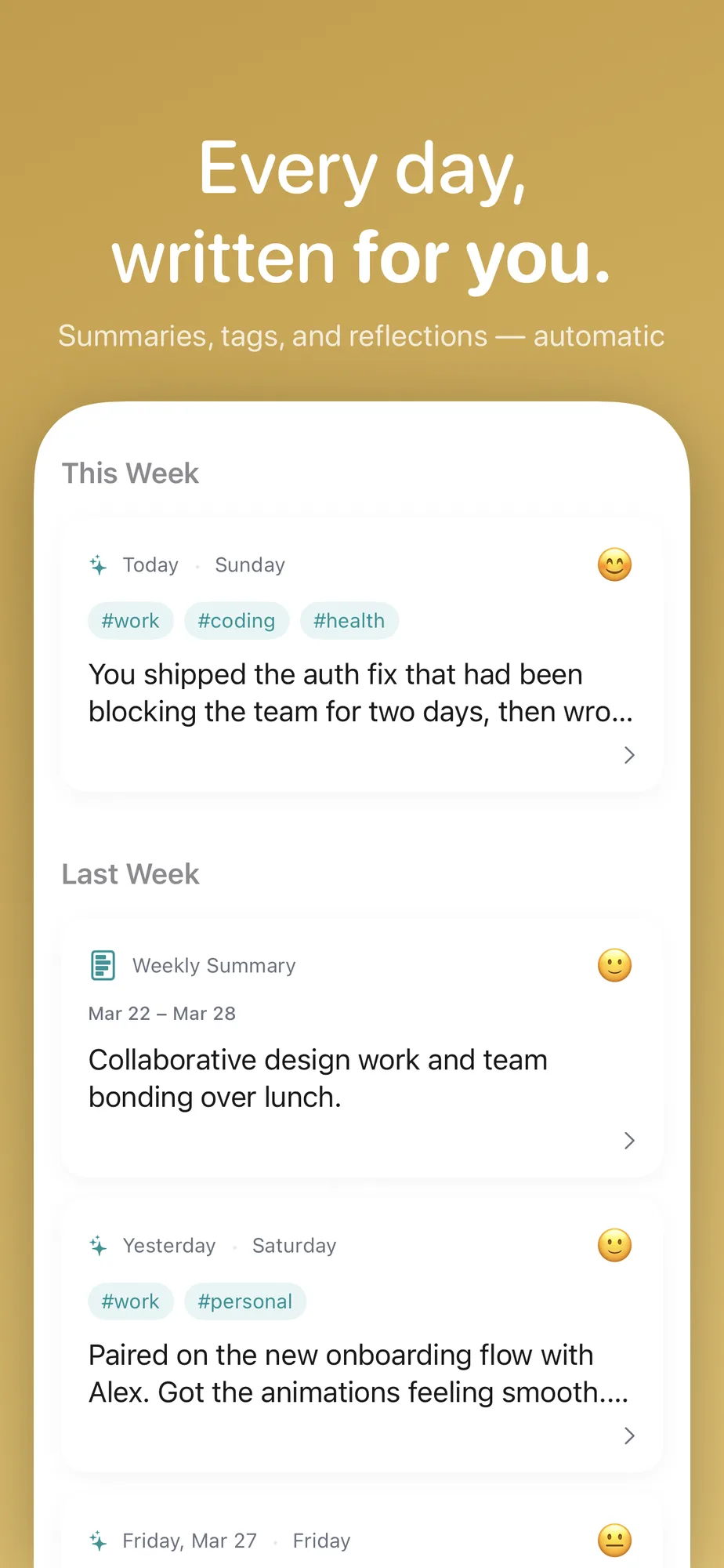
- The entry assembles itself from those tasks, voice notes, and photos, with a mood reading, tags, and a question to reflect on.
Core features
- Complete a task and the app writes a warm, second-person entry from it
- On-device speech-to-text for hands-free capture
- Photo analysis through the Vision framework, using scene classification and OCR
- Say "meeting at 12:30 PM" and it creates the task with the reminder attached
- Input classification with a confidence score behind it
- A chat mode that asks reflective questions and folds your answers into the entry
- Mood tracking on a five-point emoji scale, with history
- An insights view: streaks, mood charts, top tags, and "On This Day" flashbacks
- An Apple Watch app built for voice, so you can capture from your wrist
- Markdown export, so your data can leave whenever you want
Privacy
Everything runs on your device. There is no account, no cloud, no server, and nothing to sync.
- AI processing goes through Apple's Foundation Models framework on device, so nothing is sent anywhere
- Speech recognition runs in on-device mode
- Photos are analyzed in memory and never uploaded
- Data is stored locally with
NSFileProtectionCompleteencryption - Delete the app and the data is gone, because there was never a copy anywhere else
Tech stack
| Layer | Technology | Why |
|---|---|---|
| Framework | SwiftUI + Swift 6 | Native iOS with modern concurrency |
| AI | Apple Foundation Models | On-device inference, structured output via @Generable |
| Persistence | SwiftData | Local SQLite with @Observable and @Query |
| Vision | Vision framework | On-device scene classification and OCR |
| Speech | Speech framework | On-device speech-to-text transcription |
| Watch | WatchConnectivity | Two-way iPhone and Watch messaging |
| Build | XcodeGen | Reproducible project generation from project.yml |
| Testing | Swift Testing | Modern test framework with @Test macros |
Architecture
The AI service and its eight functions
The AIService wraps Apple's Foundation Models with typed, structured output:
import FoundationModels

@Observable
@MainActor
final class AIService {
    private var session: LanguageModelSession?
    var availability: SystemLanguageModel.Availability
}
Each AI function uses @Generable types for predictable structured responses:
@Generable
struct JournalInsight: Sendable {
    @Guide(description: "A concise daily summary in 2-3 sentences")
    var summary: String

    @Guide(description: "Key themes as single-word tags", .maximumCount(5))
    var themes: [String]

    @Guide(description: "A thoughtful reflection question")
    var reflectionPrompt: String

    @Guide(description: "Detected mood", .anyOf(["great", "good", "okay", "low", "rough"]))
    var detectedMood: String
}
All eight of them:
- Task to insight, producing a summary, themes, a reflection prompt, and a mood
- Photo to insight, building an entry from whatever Vision found in the image
- Chat journaling, which asks reflective follow-ups across four turns
- Journal merge, folding new content into an entry that already exists
- Journal analysis, pulling mood, themes, and a summary out of each entry
- Text classification, task or journal, against a confidence threshold
- Reminder extraction, reading times out of ordinary sentences
- Falling back cleanly, so the app still works with no AI at all
Capture flow
User Input → CaptureService.submitText()
  → CaptureClassifier.classify() [AI]
    → isTask? → Create TodoItem + extract reminder time
    → isJournal? → Merge into today's JournalEntry [AI]
  → Update DaySummary
  → Refresh insights [AI]
Watch communication
Apple Watch: Voice → WatchConnectivityService.send()
  → transferUserInfo(payload) via WCSession
  → iPhone: PhoneConnectivityService.receive()
    → CaptureService.submitWatchCapture()
    → Merge into journal
If the iPhone app isn't active, captures are buffered in UserDefaults and drained when the app opens.
Data model
Four types carry everything. TodoItem holds a task with its priority, due date, and completion state. JournalEntry is one per day and carries the AI metadata: summary, tags, mood, reflection prompt. Tag is a reusable theme tag with inverse relationships. DaySummary aggregates the daily stats.
The app follows Apple's recommended MV pattern rather than MVVM, using SwiftData @Observable classes with @Query for reactive fetching.
What building this taught me
1. Apple Intelligence is surprisingly capable with structured output
The @Generable protocol with @Guide annotations gives you structured, typed output from the language model, close to OpenAI's JSON mode but running entirely on device. The quality holds up for journal summaries, mood detection, and text classification with no cloud fallback behind it.
Most of that comes down to the system prompt. Asking for a warm, second-person tone in the instruction is what makes the entries sound like a person wrote them.
2. The merge problem is harder than generation
Generating an entry from scratch is easy. Merging into one that already exists is the hard part, because you have to add without losing context or repeating yourself. Someone finishes a task at 9 AM and another at 3 PM, and both have to end up in one entry that still reads as a single day.
What worked was handing the merge prompt the entire existing entry and telling it to integrate the new content while keeping everything already there.
3. On-device AI has to degrade without complaining
Apple Intelligence needs specific hardware (iPhone 15 Pro and up), and even on that hardware the model may not be ready yet. So the app has to work with none of it: task management and manual journaling stay fully usable, and the AI only adds on top.
4. WatchConnectivity is simple until you hit the edges
transferUserInfo is reliable and queues messages while the phone is unreachable. You still need a buffer on the iPhone side for messages that arrive while the app is closed. UserDefaults plus a drain-on-launch pass covers it.
What I would do differently
I would build the Apple Watch experience first. Voice capture on the wrist, with no interface to speak of, turned out to be the input method I actually reach for. Designing the capture flow against the Watch constraints from the start would have left the iPhone side simpler too.
Links
- Website: isip.pastelero.ph